800-571-4174sales@ustechdevices.com8600 Shadwell Dr Unit 10, Alexandria, VA, 22309-4630Monday to Friday, 8:00am - 6:00pm EasternCAGE 9SMN9UEI SL7DR58VLH84Purchase orders accepted · Net 30 for approved accounts
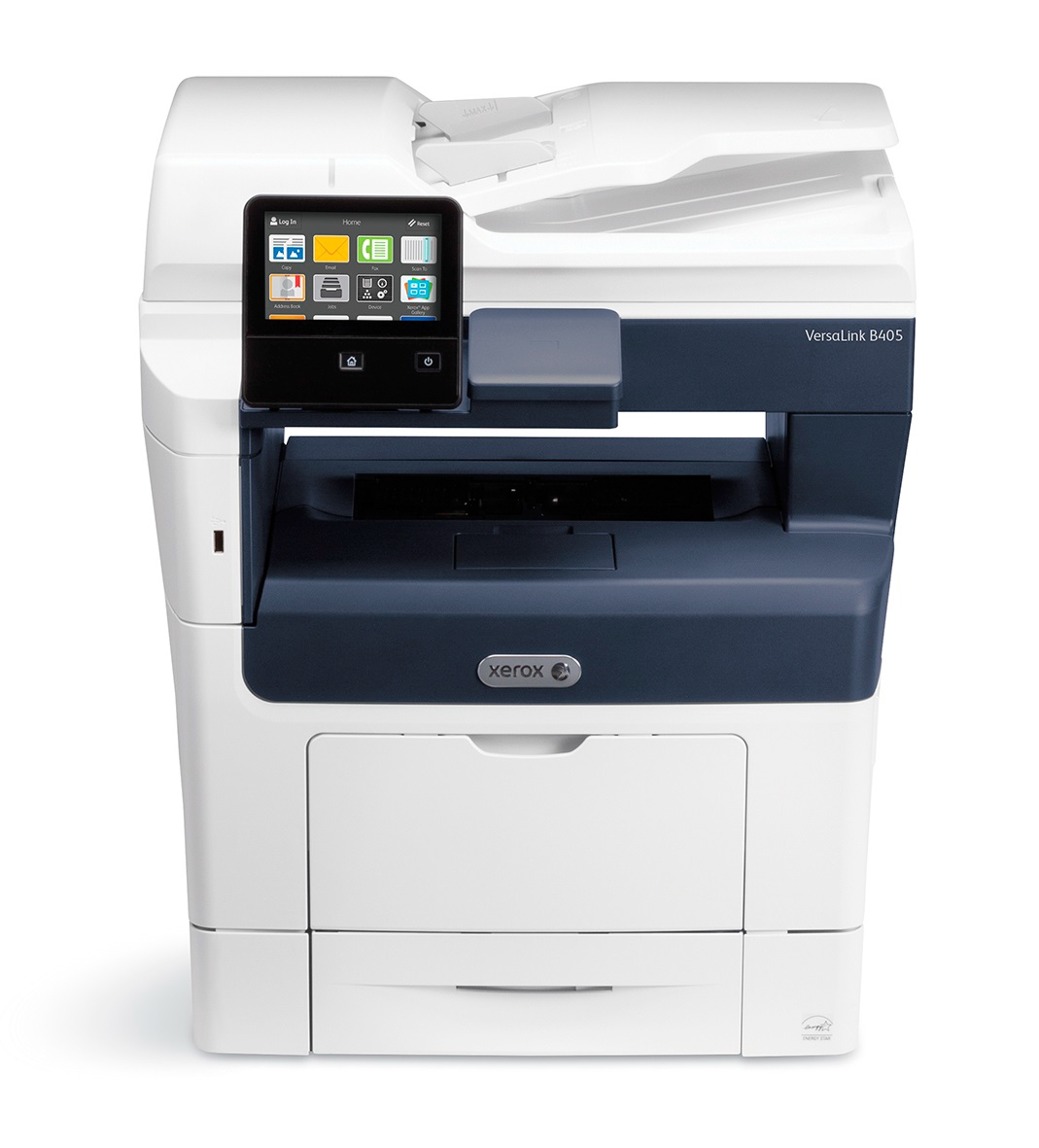
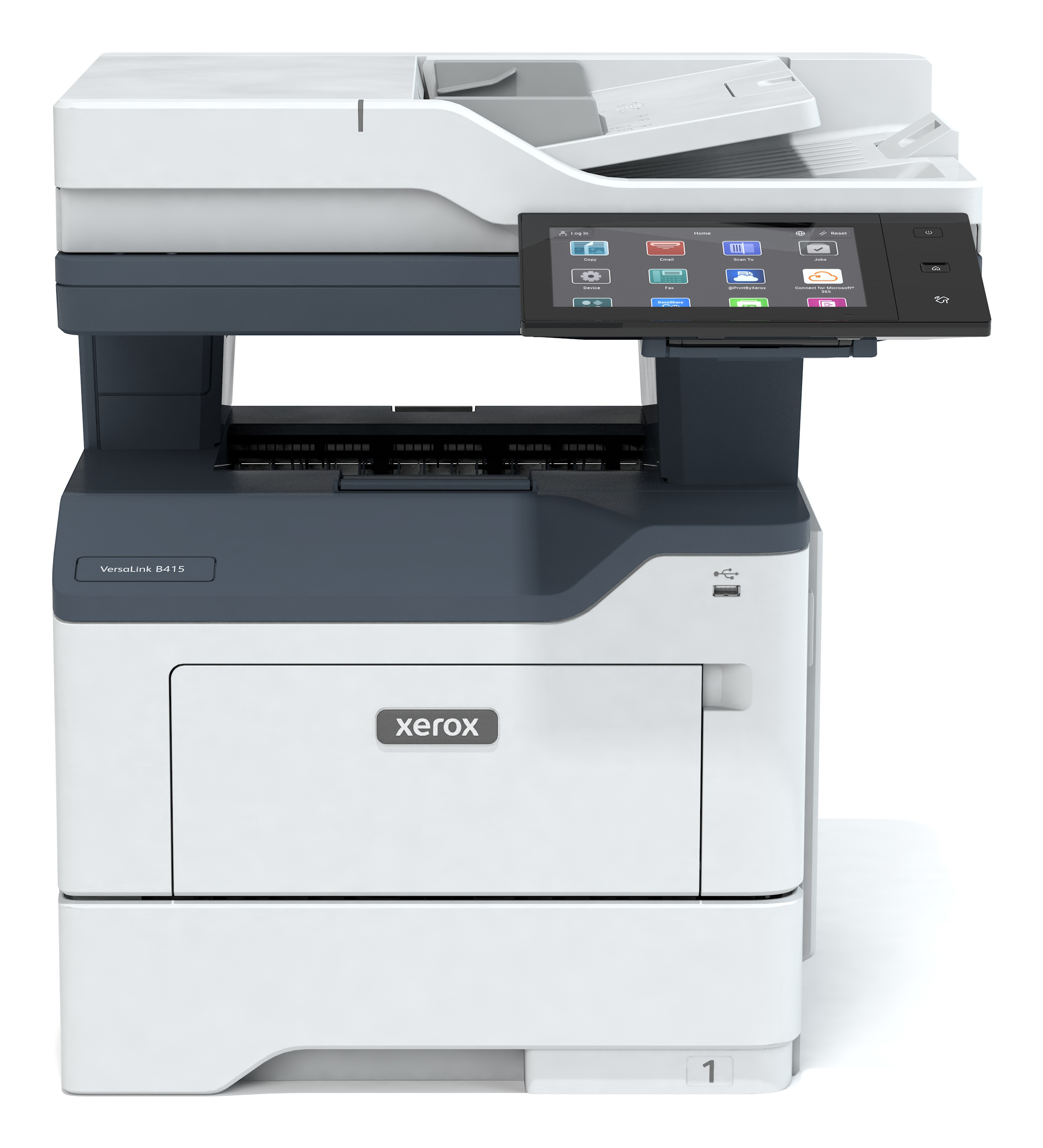
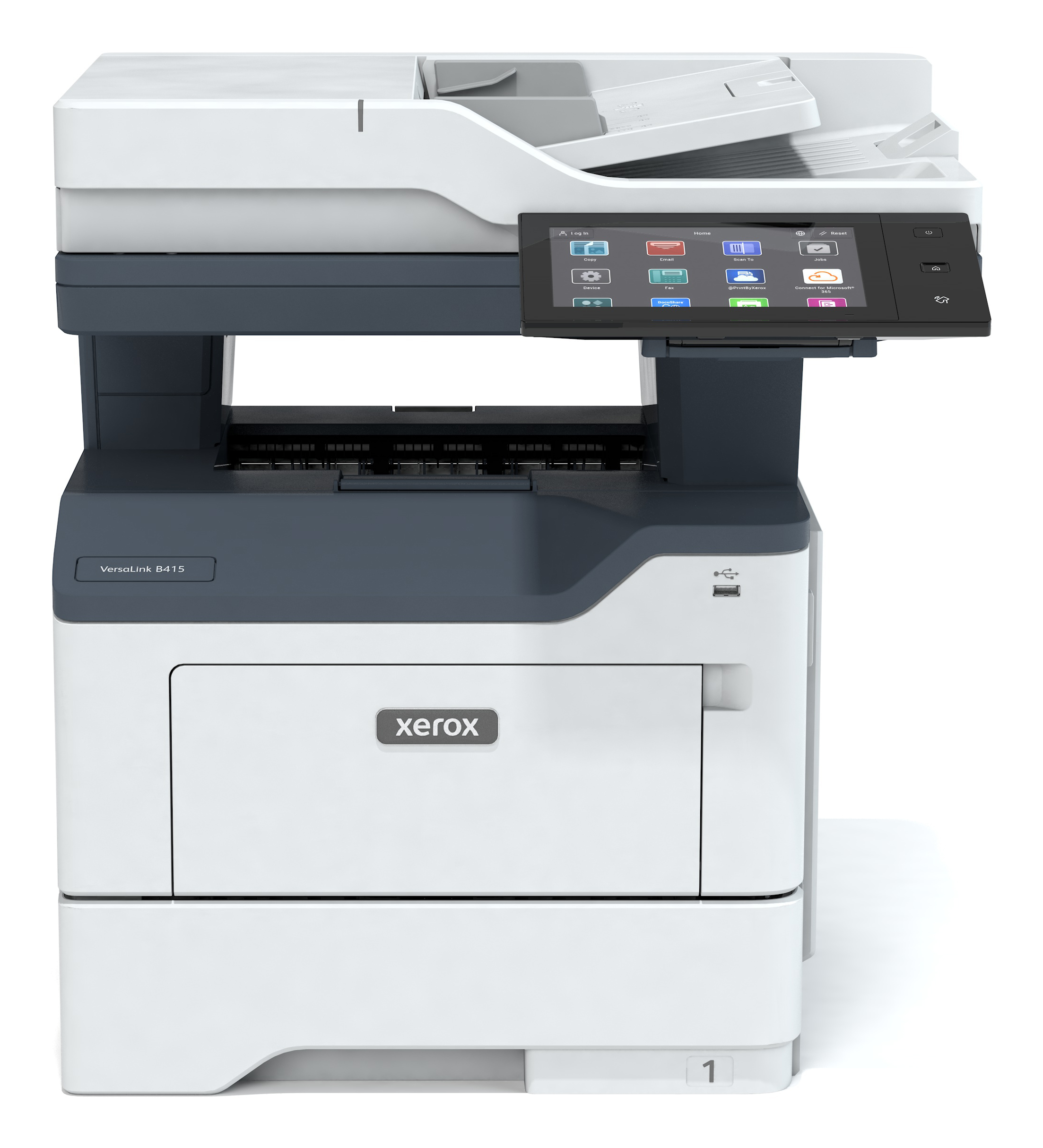
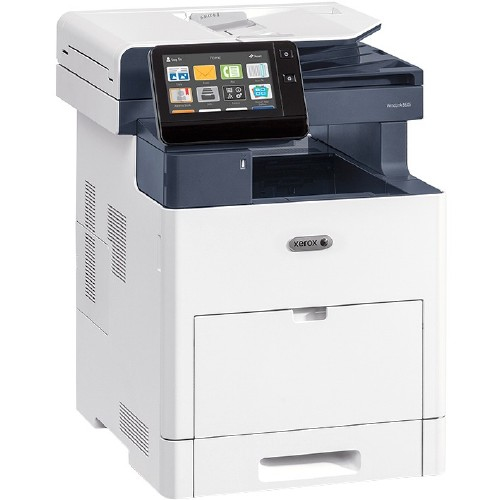
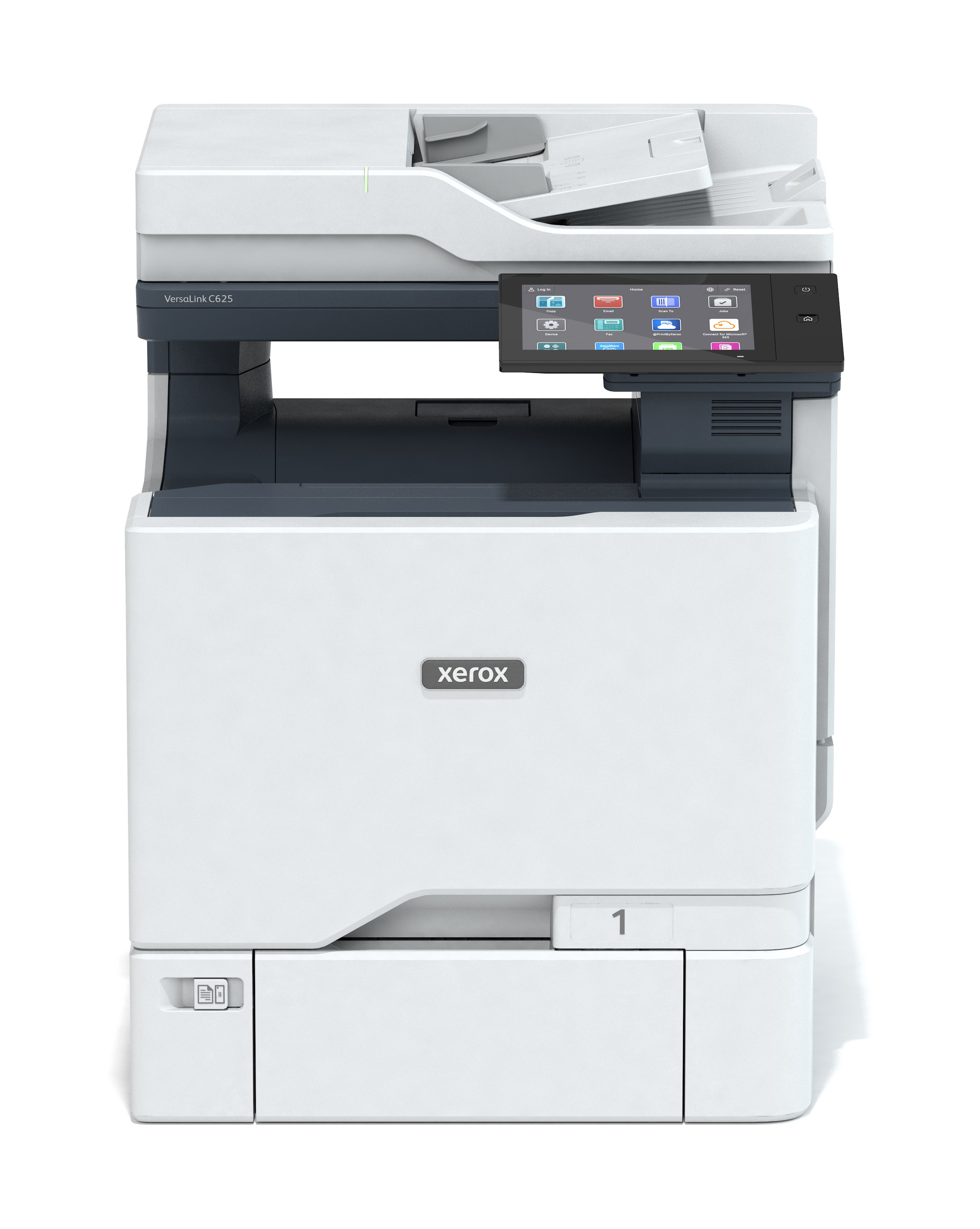
EASY, OPTIMIZED PRODUCTIVITY. Right out of the box, you’ll count on your Xerox® VersaLink® B400 Printer or VersaLink B405 Multifunction Printer to consistently and flawlessly perform the tasks that make your business work more efficiently. From IT-free installation wizards, to step-by-step configuration options, you’re ready to go—hassle free.
And count on day in, day out reliability thanks to our trusted paper path technology.
VersaLink devices are loaded with features and time-saving Xerox technologies designed to speed up information sharing and reduce inefficient workflows. Ensure information accuracy with Scan and Fax preview, and do more with scanned documents with built-in optical character recognition (OCR).
Print with total peace of mind knowing that VersaLink devices deliver a spectrum of stringent security features, including Secure Print and card authentication to control access.
AN ENTIRELY NEW WAY TO WORK. With the customizable 5-inch color touchscreen, you can tap, swipe and pinch your way through tasks and functions with mobile-like ease.
Preloaded Xerox® ConnectKey® Apps help optimize office efficiency, and on-screen access to the extensive Xerox App Gallery provides expanded functionality—like the Xerox® Easy Translator Service app, which quickly translates scanned documents into numerous languages.
Speed through tasks by saving common settings as presets for simple, single-touch job setup. With Simple ID, individual users and groups enter a user ID and password once, and then enjoy fast, secure, easy access to task-specific presets and commonly used apps on a personalized home screen.
UPWARD MOBILITY FOR EVERY WORK STYLE. The VersaLink B400 Printer and VersaLink B405 Multifunction Printer give you the freedom to work where and how you want— with direct connectivity to Google Drive™, Microsoft® OneDrive® and DropBox™, and access to additional options through the Xerox App Gallery.
The ability to connect and print from multiple devices is key for today’s worker, and VersaLink devices meet the challenge with Apple® AirPrint®, Google Cloud Print™, Xerox® Print Service Plug-in for Android™, Near Field Communication (NFC) Tap-to-Pair and Mopria® plus optional Wi-Fi and Wi-Fi Direct.
Product Specifications
Manufacturer
Xerox
Manufacturer Part Number
B405/DNM
Barcode
0095205842418
Brand Name
Xerox
Product Name
Xerox VersaLink B405/DNM A4 1200 x 1200 DPI 47 ppm
Mfr. Part Number
B405/DNM
Barcode
0095205842418
Printing
Printing
Mono printing
Duplex printing
Yes
Maximum resolution
1200 x 1200 DPI
Print speed (black, normal quality, A4/US Letter)
47 ppm
Duplex print speed (black, normal quality, A4/US Letter)
29 ppm
Warm-up time
60 s
Warm-up time (from sleep mode)
5 s
Time to first page (black, normal)
5.1 s
Print margins (top, bottom, right, left)
4 mm
Secure printing
Yes
Booklet printing function
Yes
Copying
Copying
Mono copying
Maximum copy resolution
600 x 600 DPI
Copy speed (black, normal quality, A4)
45 cpm
Copy speed (black, normal, US Letter)
47 cpm
Time to first copy (black, normal)
6.2 s
Maximum number of copies
999 copies
Copier resize
25 - 400%
N-in-1 copy function
Yes
Book copy function
Yes
ID-card copy function
Yes
Center erase function
Yes
Edge erase function
Yes
Scanning
Scanning
Mono scanning
Optical scanning resolution
600 x 600 DPI
Maximum scan resolution
9600 x 9600 DPI
Maximum scan area
216 x 356 mm
Scan to
E-mail, FTP, SMB, USB
Scan speed (black)
53 ppm
Duplex scan speed (black)
25 ppm
Image formats supported
JPG, TIF
Document formats supported
PDF, XPS
Input colour depth
24 bit
Greyscale levels
8
Scan drivers
TWAIN, WIA
Fax
Faxing
Mono faxing
Fax resolution (black)
600 x 600 DPI
Modem speed
33.6 Kbit/s
Fax memory
4 MB
Speed dialling
Yes
Fax speed dialing (max numbers)
2000
Fax forwarding
Yes
Fax forwarding to
E-mail
Fax coding methods
JBIG, MH, MMR, MR
Features
Recommended duty cycle
0 - 12000 pages per month
Maximum duty cycle
110000 pages per month
Digital sender
No
Printing colours
Black, White
Page description languages
HP-GL/2, PCL 5e, PCL 6, PostScript 3, TIFF, XPS
Number of printer fonts
226
Input output capacity
Total number of input trays
1
Total input capacity
700 sheets
Total output capacity
250 sheets
Multi-Purpose tray
Yes
Multi-Purpose tray input capacity
150 sheets
Paper input type
Paper tray
Maximum number of input trays
2
Maximum input capacity
2350 sheets
Paper handling
Maximum ISO A-series paper size
A4
Paper tray media types
Bond paper, Card stock, Labels, Plain paper, Pre-printed, Recycled paper
Multi-purpose tray media types
Bond paper, Envelopes, Hole punched paper, Labels, Letterhead, Plain paper, Preprinted forms, Recycled paper
ISO A-series sizes (A0...A9)
A4
Custom media width
76.2 - 127 mm
Custom media length
216 - 356 mm
Paper tray media weight
60 - 220 g/m²
Paper tray media weight (imperial)
7.26 - 36.3 kg (16 - 80 lbs)
Multi-Purpose Tray media weight
60 - 220 g/m²
Multi-Purpose Tray media weight (imperial)
7.26 - 36.3 kg (16 - 80 lbs)
Ports interfaces
Standard interfaces
Ethernet, NFC, USB 3.2 Gen 1 (3.1 Gen 1)
Direct printing
Yes
USB port
Yes
USB 3.2 Gen 1 (3.1 Gen 1) ports quantity
1
Optional connectivity
Wireless LAN
Network
Wi-Fi
No
Ethernet LAN
Yes
Near Field Communication (NFC)
Yes
Security algorithms
HTTPS
Supported network protocols (IPv4)
IPv4/IPv6,WSD, LDAP, Bonjour, FTP
IP address filtering
Yes
Network printing methods
DHCP, SNMP, WINS, HTTP, HTTPS, TLS, SNTP, MDNS
Brand
Xerox
Availability
In Stock
Price Currency
USD
Category
Multifunction Devices
Customer reviews
No reviews yet. If you have bought this,
yours would be the first.
US Tech Devices, Inc. uses cookies and similar technologies to improve website functionality, enhance user experience, analyze site performance, and support secure browsing across our U.S. online services. By continuing to use this website, you consent to our use of cookies in accordance with our Privacy Policy. Learn more